

Your own remote desktop server
A RustDesk-compatible server written in Go, with a web console for the devices you look after.
One binary on your server
RustDesk's own server is two programs, hbbs and hbbr. BetterDesk does both jobs in one Go binary, and the same binary serves the web console.
One container runs the server and the web console, built from the repository. The last command prints the admin username and password. Sign in with them at http://your-server:5000, which is plain HTTP, not HTTPS.
RustDesk clients connect on 21116 (TCP and UDP) and 21117. The configuration page in the wiki lists every port.
git clone https://github.com/trybetterdesk/betterdesk.gitcd betterdeskdocker compose -f docker-compose.single.yml up -d --builddocker compose -f docker-compose.single.yml exec betterdesk betterdesk-show-admin-credentialsWorks with the RustDesk client
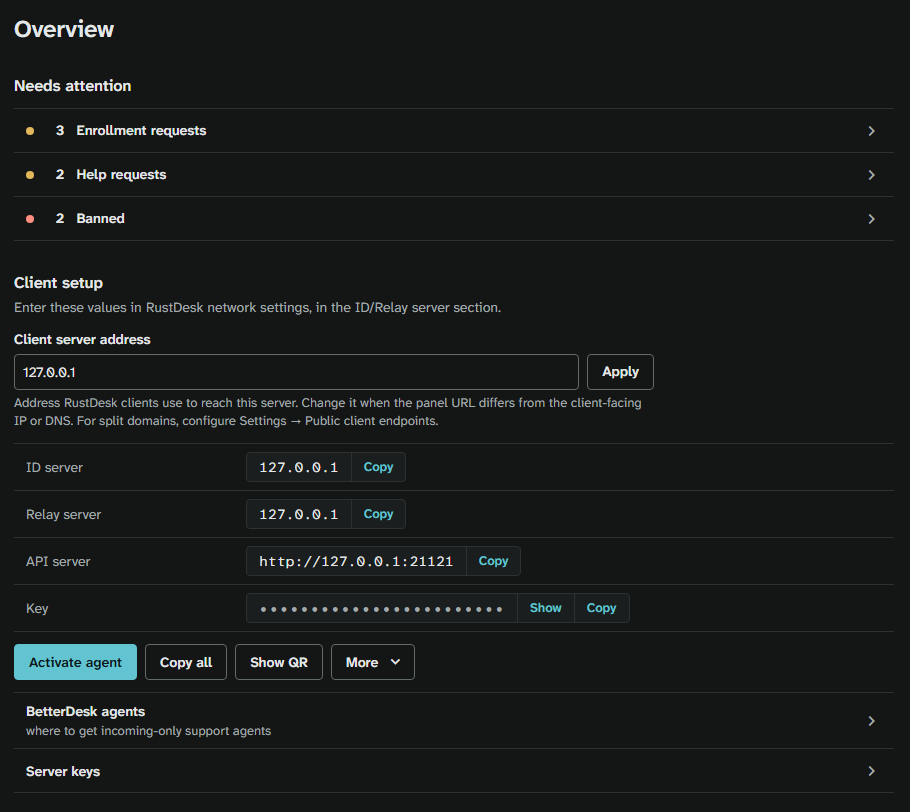
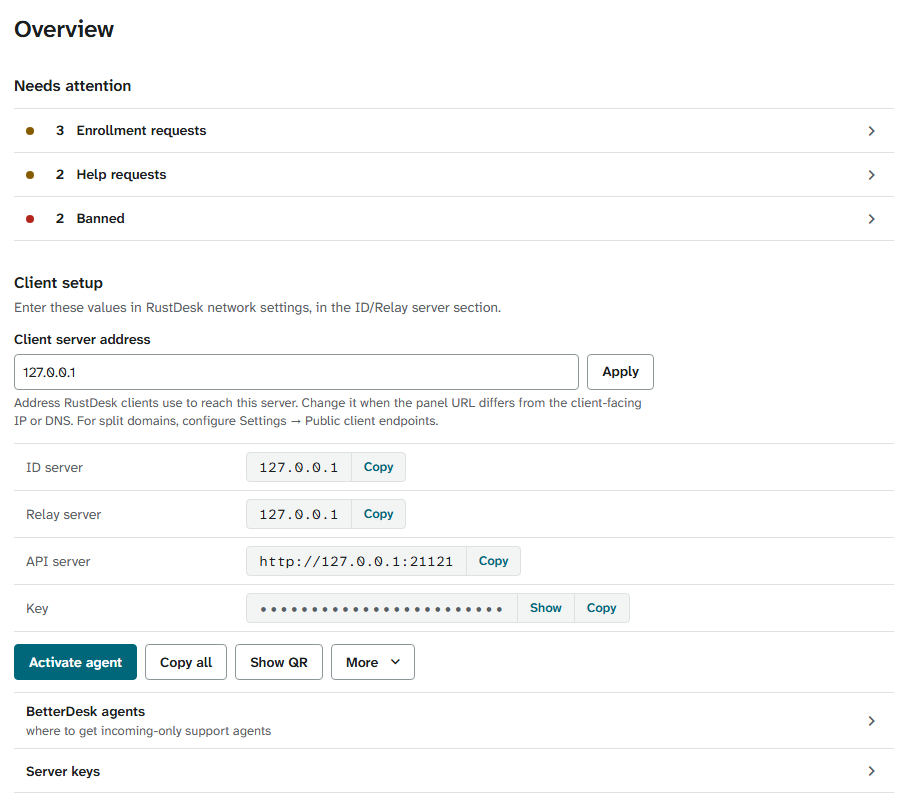
There is no other client to install. Enter four values in the RustDesk client's network settings: the ID server, the relay server, the API server and the key.
The console's overview page shows all four with a copy button, and Show QR puts them in one code for a phone.
Every device in one list
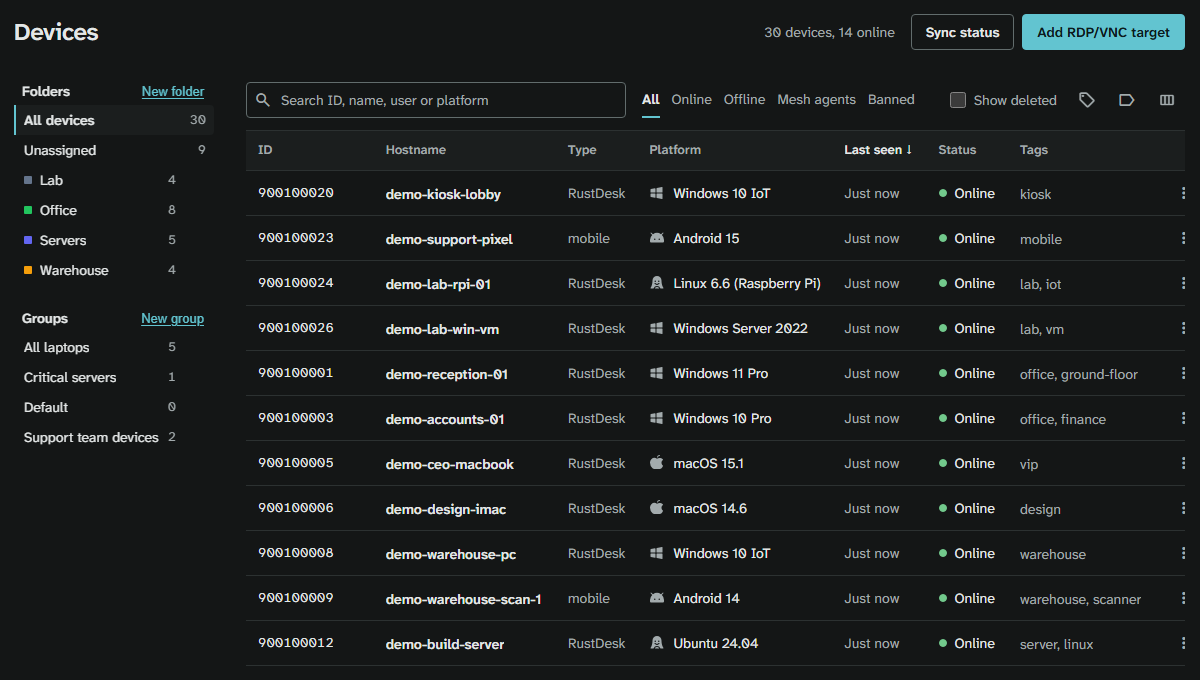
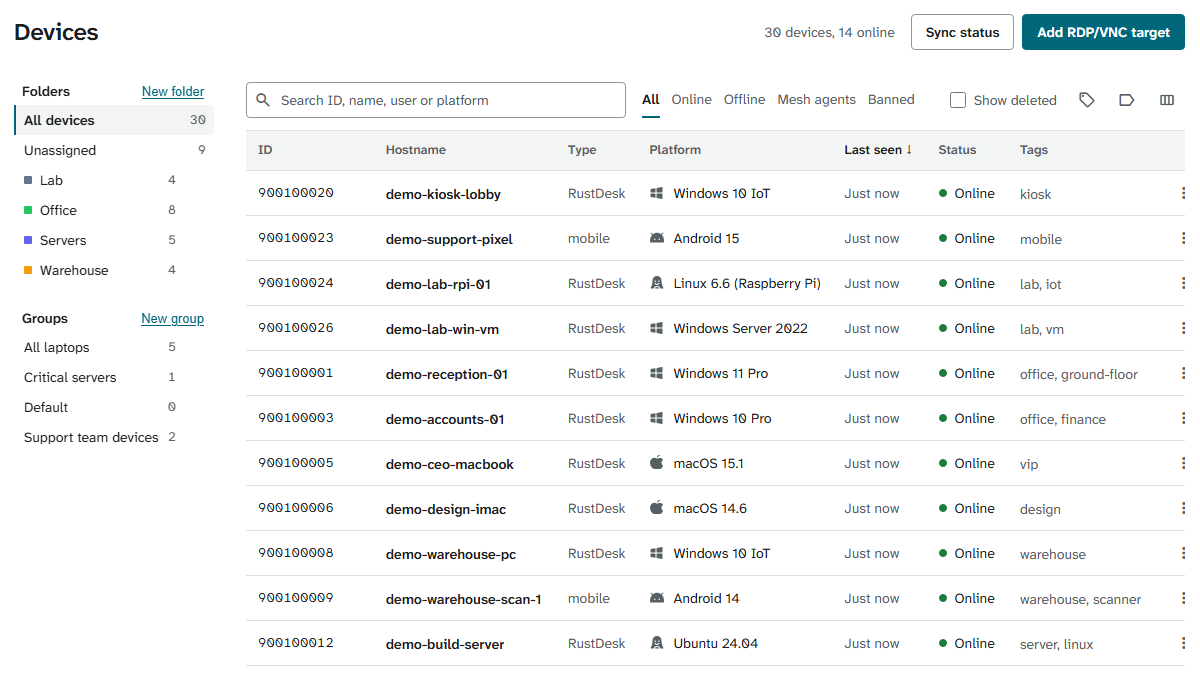
Search by ID, name, user or platform. Put devices in folders and groups, and give them your own tags.
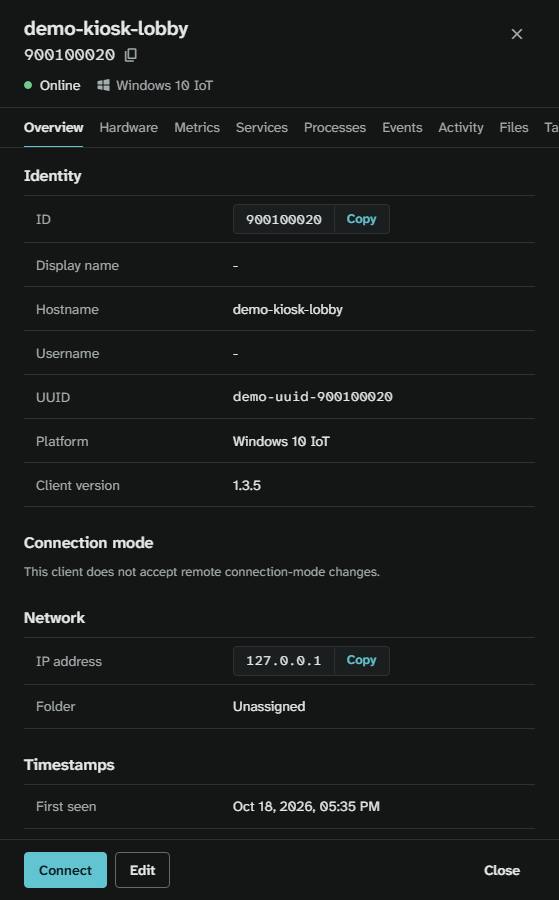
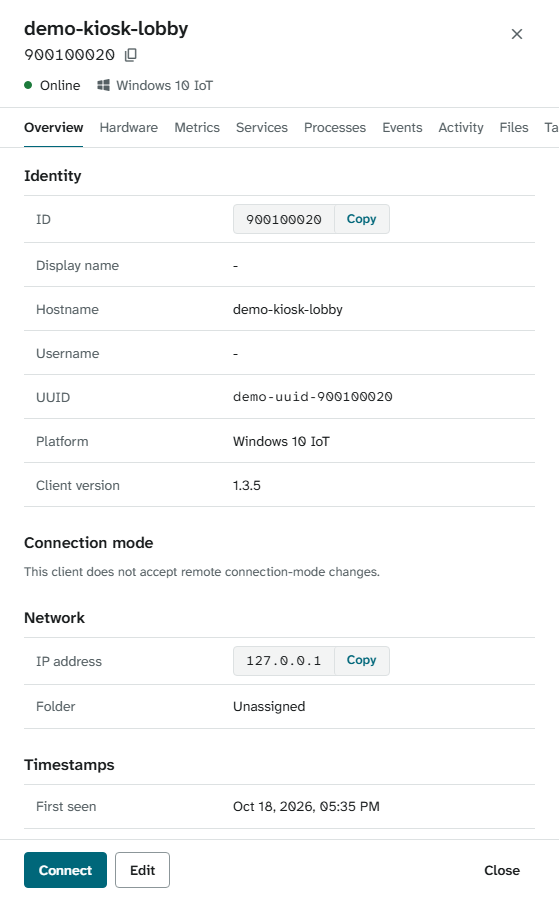
Open a device and connect
Click a device to open its details. Connect to it from there, or look first at what it is and what it is doing.
- Approval before access: in managed mode, a new RustDesk client waits under Enrollment requests until someone approves it.
- Audit log of what people do in the console.
- Sign-in with LDAP, Active Directory or OIDC.
Your data stays on your server
BetterDesk sends no analytics, crash reports or usage data to its developers. The code is licensed under AGPL-3.0, with an optional commercial grant for eligible sponsors. Read the privacy notes and the license.